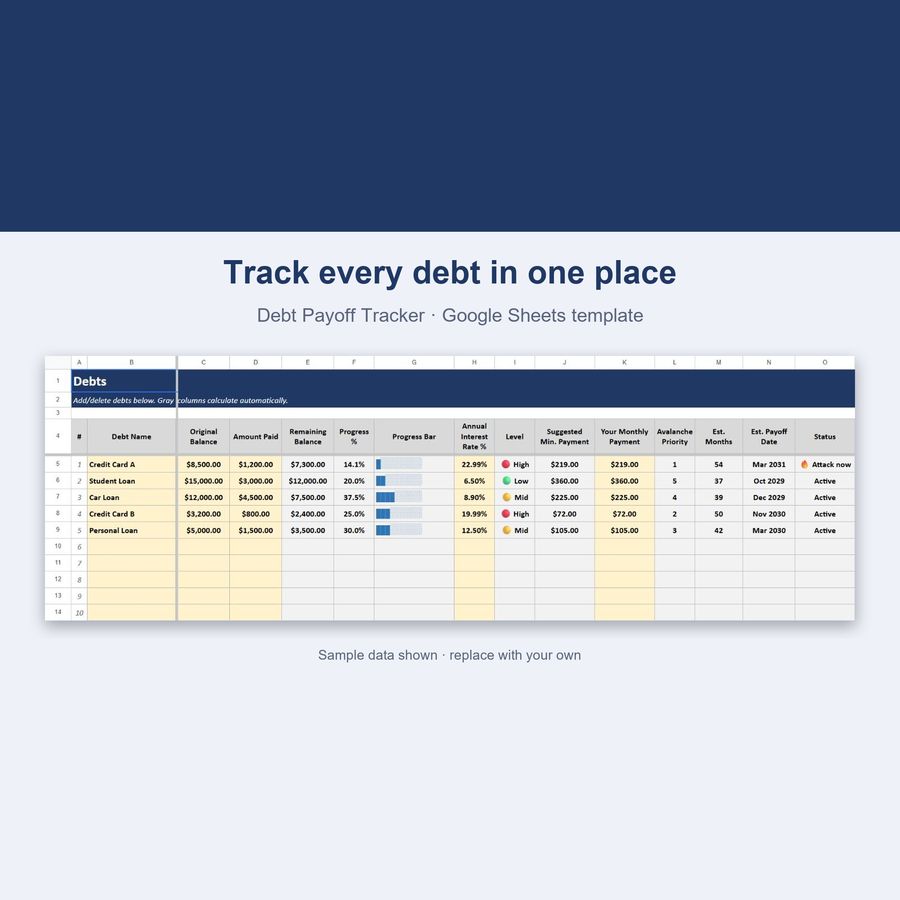
Debt Payoff Tracker — Google Sheets & Excel
Avalanche method, payoff dates and a what-if simulator
- Instant digital download; nothing is shipped
- Format: Google Sheets + Excel (Google Sheets, Excel .xlsx, Instructions)
- Personal use licence · no subscription
About this product
The same debt-free strategy as our HTML Debt Payoff Tracker, rebuilt as a live Google Sheets spreadsheet. List your debts once, and every formula — priority order, payoff date, interest saved — recalculates itself as you go.
What you get
- 25 built-in debt slots, ready to fill in
- Avalanche Method — auto-ranks debts by highest interest rate first
- Live progress bars for every debt (no add-ons needed)
- Payoff Timeline — estimated months & date per debt, built with real amortization math
- Interest-rate tags (High / Mid / Low) at a glance
- 🚀 What-If Simulator — see how many months an extra payment saves you
- Auto-sorted "Attack Order" table (Google Sheets SORT/FILTER)
- Full Dashboard — total remaining, total paid, weighted avg. interest rate, debt-free ETA
- Color-coded, protected cells — formulas can't be accidentally overwritten
- Works in Google Sheets AND Excel
How it works
- Download the .xlsx file
- Upload it to Google Sheets (File → Import → Upload) or open it directly in Excel
- Demo debts are pre-loaded so you see it working immediately
- Delete the demo rows and add your own debts — name, balance, amount paid, interest rate
- Set your real monthly payment per debt and watch the priority order and payoff dates update instantly
What is the avalanche method?
Pay the minimum on every debt, but send any extra money to the debt with the highest interest rate first. Once that one's gone, move to the next. Result: less total interest paid, and you're debt-free faster than any other payoff order.
Key features
- Total debt remaining & total paid, always visible
- Weighted average interest rate across all debts
- Automatic Avalanche priority ranking
- Payoff timeline with estimated date per debt
- What-If simulator for extra payments
- 🎉 Row highlights automatically when a debt is fully paid off
100% private & offline-capable
Your data lives in your own Google Sheets copy or local Excel file — nothing is sent anywhere.
Questions
Do I need a Google account?
To use Google Sheets, yes (it's free). The file also works fully in Microsoft Excel.
Does the auto-sorting work in Excel?
The core spreadsheet (all debt math, KPIs, payoff dates) works identically in Excel. One bonus table (auto-sorted attack order) uses a Google Sheets–only function and may show an error in classic Excel — everything else is unaffected.
Can I track more than 25 debts?
Yes — just insert more rows following the same pattern.
What if I want to use the Snowball method instead?
Just work through your debts smallest-balance-first and ignore the priority numbers — every other formula still works.
How do I open the template?
Upload the .xlsx file to Google Sheets (File → Import) or open it directly in Excel. Step-by-step instructions are included in the download.
Can I share the files?
Files are for your personal use. Please don’t resell or redistribute them. See the licence page for details.
Something isn’t working. What now?
Email hello@desklarkshop.com and we’ll help. See the refund policy for details.
You may also like
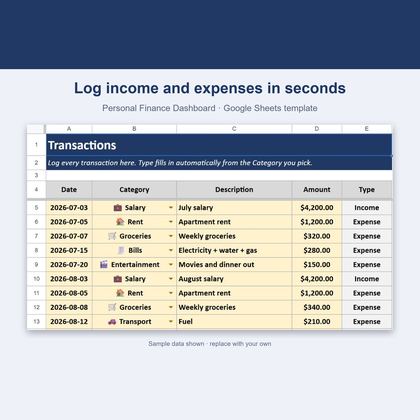
Personal Finance Dashboard — Google Sheets & Excel
Income, expenses, budgets and savings rate in one spreadsheet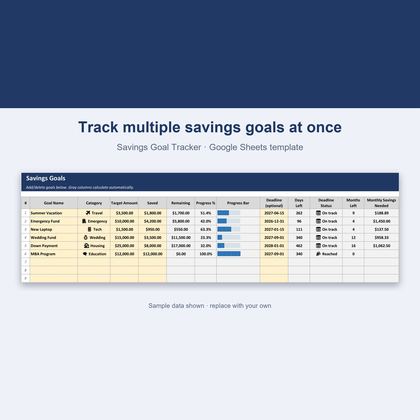
Savings Goal Tracker — Google Sheets & Excel
Track multiple goals with deadlines and monthly amounts needed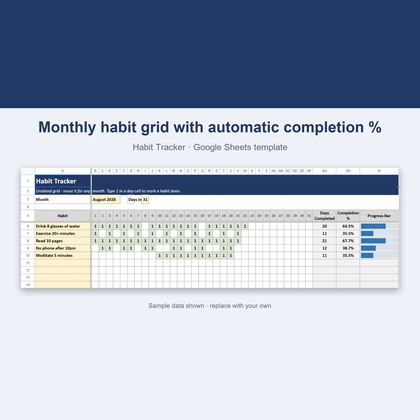
Habit Tracker — Google Sheets & Excel
Undated 31-day grid that scores your habits automatically
Personal Finance Dashboard — Browser App
Dark-mode budget tracker with charts, 20 categories and 8 currenciesGet a free worksheet pack + new-product alerts
Join the DeskLark list for a free sample pack and a heads-up when new products land. About one email a week; unsubscribe any time.